Trendy Techie

Fashion, Tech, and Everything in Between


Leave a comment

3 Tricks to Get Over Your Fear of Public Speaking

nbtc_14_speakers

From a very young age we are taught that speaking to large groups of people is terrifying. We’re taught that people are by default judgmental and will look for any and every flaw you have before you’ve even opened your mouth. In the same breath we learn that we should look for those flaws in others, scrutinize their body language for any hint of fear or nervousness and feel a sadistic pleasure when we find those weak spots. For some people, it takes a lifetime to un-learn these rules, and some never get there. But those who manage to unlock themselves and shed these fears can skyrocket professionally and become much more influential.

As a Technical Evangelist, a large portion of my job is to speak to audiences about Microsoft’s technologies. The audience sizes vary from one to a thousand, but I’ve found a way to feel confident and steady regardless of the audience size. When I was a teenager, I was so shy and afraid of judgement that I wouldn’t even sing in the car around my family for fear of them thinking I was awful. I went to an all-girls high school to which I attribute a lot of my early professional skill development, including finding my speaking and singing voices and learning how to calm the pre-stage jitters. Now I still get a few butterflies before stepping out into the spotlight, but there are three things I remember to settle the nerves and be able to talk confidently.

1. The audience wants you to succeed.

This was something my first drama teacher taught me when I was shaking in my uniform at the thought of auditioning on stage in front of a panel of judges. The judges want you to succeed - they’re looking for the person that fits the role, and when they’re watching you perform, they want you to be that person. They want you to succeed. The same goes for speeches and presentations - the audience wants you to do well and deliver a good presentation, so they are rooting for you every step of the way. Thinking of your audience as a group of supporters is one way to boost your confidence when speaking.

2. The larger the audience, the more efficiently you can spread your message.

Think about it - would you rather give a presentation a hundred times or once? What about 100 times to small audiences of 5, or once to an audience of 500? You reach the same number of people in the end, but a hundred presentations cost you a lot more time and effort than one. The larger your audience is, the fewer times you have to say your message - so instead of wasting your time saying the same thing over and over again, why not invest some time in preparing meticulously and deliver a single well-rehearsed presentation? The reach is bigger and the mental and physical drain on you are lessened dramatically. Save the dry-runs for your home office and deliver fewer, more impactful presentations.

3. Great talks are remembered, boring ones are forgotten.

If you give a great talk, chances are people will remember it. If you give a boring talk, chances are it won’t stick around in people’s brains - which gives you the opportunity to learn from it, tweak it, and improve for the next time. Every presentation is a learning experience. I’m sure my fellow TEs would agree with me when I say that we learn something and improve our presentation styles every time we take a speaking engagement. As cliché as it is, practice makes perfect, so don’t be afraid to start out boring and work your way to being great.

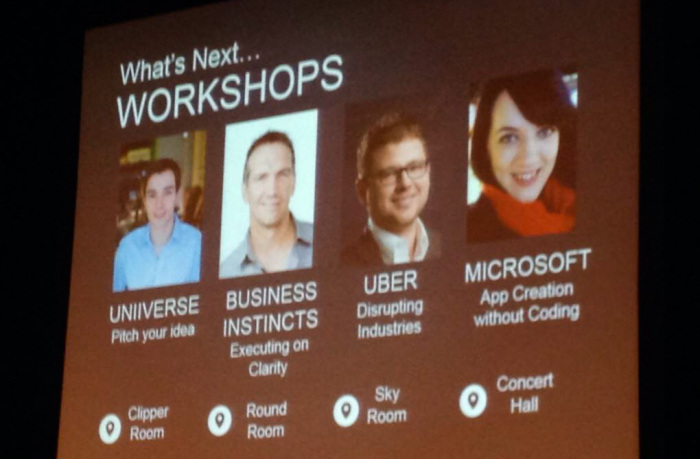
The photo at the top of this post is of the speaker list from a session I did at the National Business and Technology Conference last year. It was one of the largest audiences I had had until that point, and I was excitedly nervous to be representing Microsoft at this conference as I was younger than some of the attendees. But when it comes down to that moment just before you step onto the stage, no matter how nervous you are you have to decide to push the butterflies down and just give it all you’ve got, remembering that your biggest and most important critic is yourself.

signature 1


8 Comments

5 Ways to Refresh Your Digital Workspace Without Spending Any Money

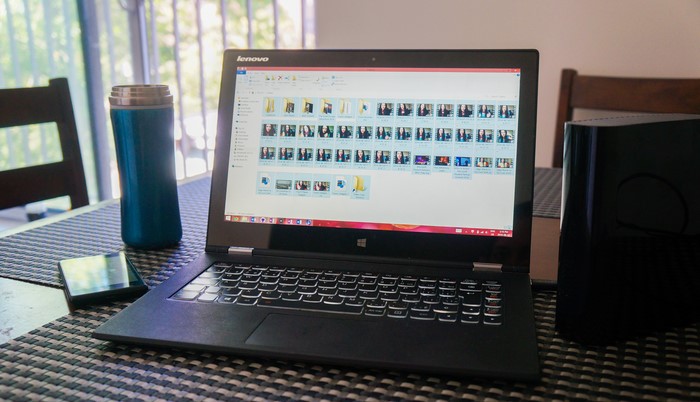
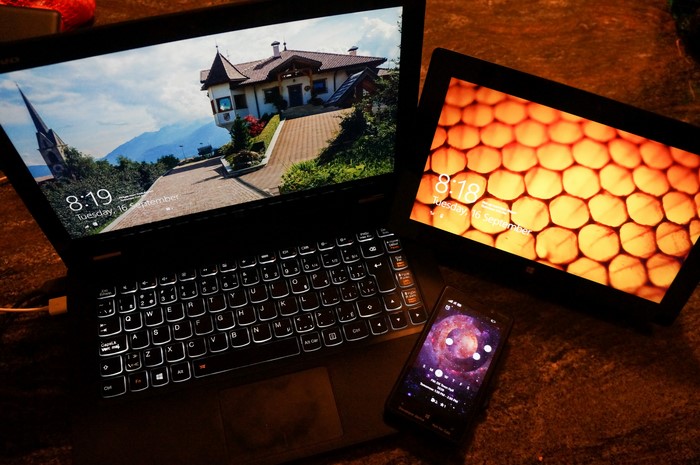
Windows 8 laptop, surface pro, and windows phone

This has been a very exciting week for Trendy Techie as I’ve started my second internship as a Technical Evangelist at Microsoft! As part of my Bachelor of Computer Science degree I’m doing a co-op program, at the end of which I’ll have a full year of work experience in the industry. This particular program follows an alternating school/internship semester pattern, so every four months I switch between work and study. Every time I make the transition from student to employee or vice versa, I make an effort to refresh my digital workspace so it feels clean and new, kind of like spring cleaning only less physical work and more fun. I strongly recommend you give this a go at least every half-year, because it really does wonders for productivity. To give you an idea of how to begin, here are the top five ways I refresh my digital workspace - whether you’re a blogger, developer, student, or none of the above, you can apply these tips to your digital workspace and come out with a cleaner, neater computer.

1. BACK UP your files, then DELETE them

Back up files to external hard drive windows 8

Whether it be to the cloud or an external hard drive, it’s important that you store a backup - or two or three - of your files. DO: keep multiple copies of your files, especially your photographs, important legal docs, and anything else you absolutely wouldn’t want to lose. DON’T: fall into the trap of disorganization - label everything with real names (not “school_thing_1.docx” or “asdfghjk.jpg”), and sort them logically. Then, once you’re sure they’re safely backed up, DELETE the files from your computer to free up space for your next big thing!


2. UPDATE your software and apps (and take advantage of student deals!)

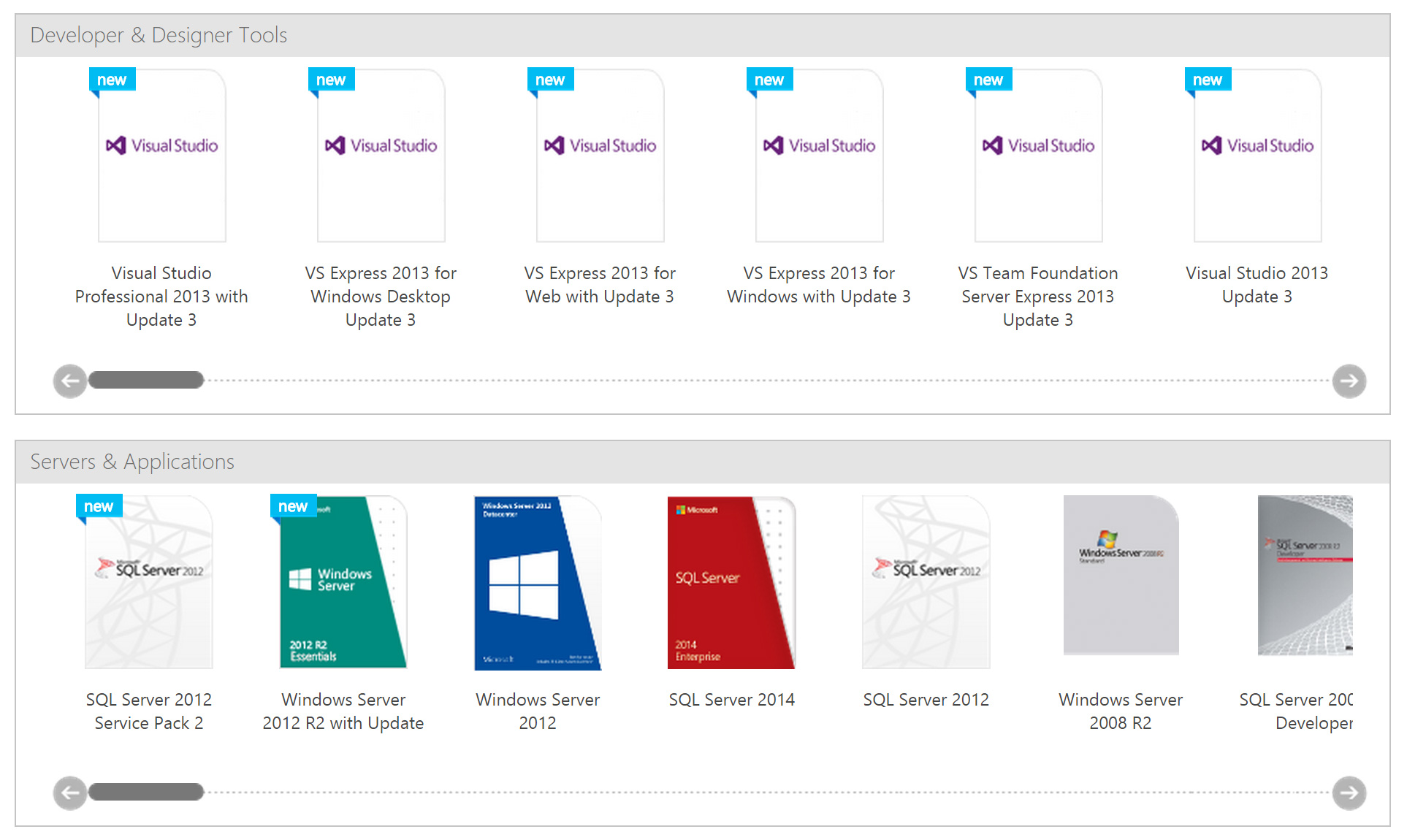
dreamspark

Software can be expensive, but there are many (legal!) ways to get it for free. Many companies offer free updates for their software suites, and even though the pop-ups may be annoying, it’s worthwhile to have an update hour here and there so you get all the new features. There are also opportunities to get full software suites for free through certain programs - many students don’t know this, but they can get a full suite of professional-grade software through company programs like Microsoft’s DreamSpark. Many of these offers are perpetual - if you take advantage of them while you’re a student or within the same calendar year as your graduation, you get to keep the software and the future updates of it.

A bit more about DreamSpark in particular: this is my favourite student deal ever, because if you’re a student in a technical program like Computer Science, Engineering or Informatics, you get access to even more software through your school! Learn more and sign up for DreamSpark here.


3. CLEAN UP your email, desktop and file folders

clean_up_your_email

This one is pretty self-explanatory: everybody needs to do it, no one actually does. But having a clutter-free desktop can be a breath of fresh air, and having an empty inbox can take away a lot of the stress and pressure of needing to respond. I always remind myself that since that unread email has been unread for months now it’s probably no longer relevant, which means it can probably be deleted. And those hundreds of old promotions and newsletters from stores you don’t even shop at anymore can go too. Odds are you’ll never need many of these emails again - but if you’re feeling uneasy about that, you can back up your emails to a save file and store it in the cloud (then delete the originals, as per tip #1).


4. UNFOLLOW people who you don’t want updates from, and FOLLOW new people who are saying things relevant to your current position

Don't follow too many people on Twitter

Today on Twitter I saw a guy who followed 125 THOUSAND people. And while that’s excessive (and probably a ploy to capture the “follow-for-follow followers”), many people on social media - especially Twitter - follow a few hundred accounts or more. This leads to thousands of posts crossing our paths every day, often burying the content we really want to see under countless ads, contests and other jargon. Ironically t’s getting more and more difficult to make a personal connection through social media, but a regular refresh will ensure that you’re always seeing the content you want to see, and getting the most out of your precious minutes. When unfollowing accounts, DON’T worry about offending people or losing followers. The point of social media is to get interesting information from people you are interested in, not get as many people as possible scrolling over your posts. DO use hashtags in search to find content you’re interested in, and as a bonus DO use hashtags in your profile description so you’re easily found!


5. SYNCHRONIZE and AUTOMATE in every way possible

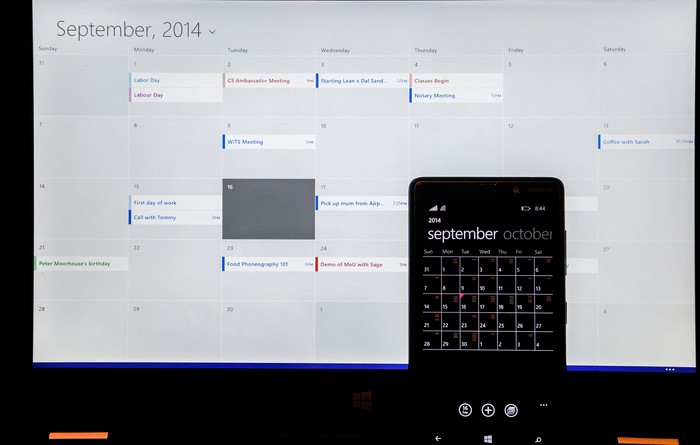
Windows 8 and Windows phone calendar synchronization

What I mean is, find ways to simplify the number of clicks it takes you to complete something. Synchronize your calendar across your phone, computer and tablet so you only have to put the appointment in one of them. Use Hootsuite to schedule your social media posts across Facebook, Twitter, Google Plus, WordPress and more so you only have to go to one place to write and schedule the content. You can even apply this rule to your home by integrating a home automation system like Nest - but that’s another post.

signature 1

Follow

Get every new post delivered to your Inbox.

Join 1,478 other followers