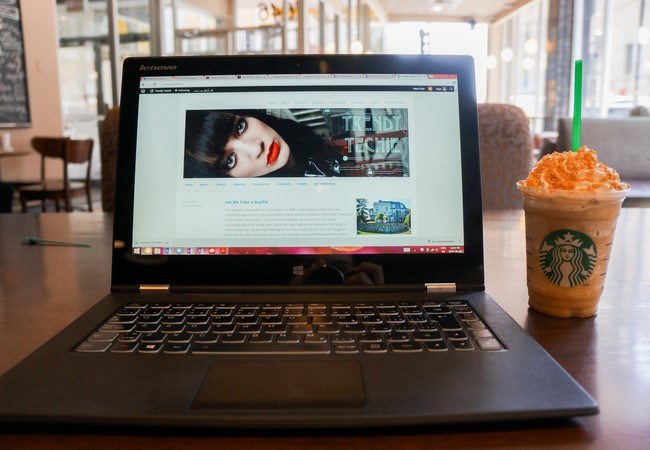
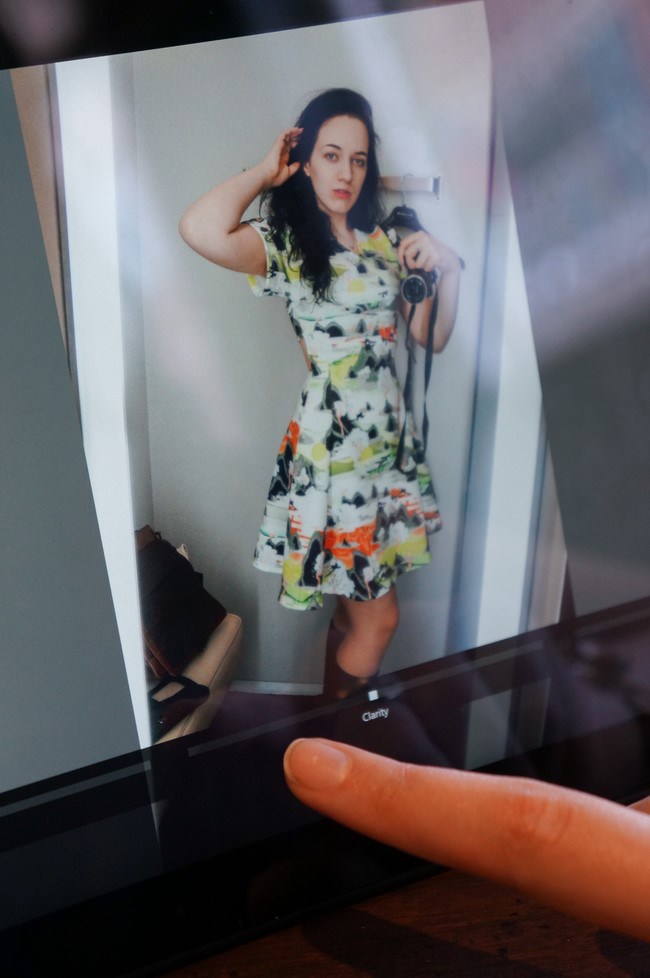
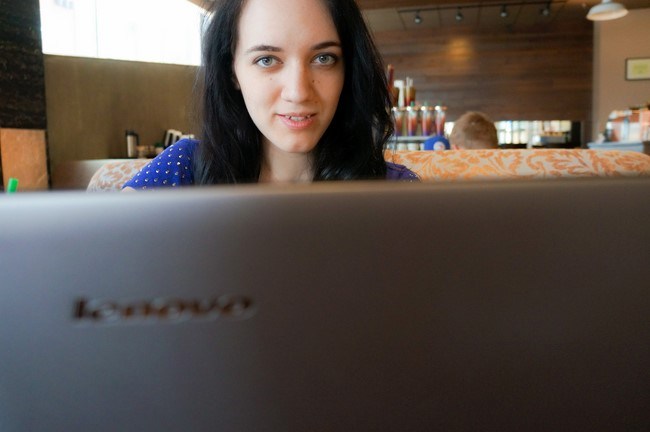
I’ll be the first to admit I have too many laptops, but after working at Microsoft and using the touchscreen twist laptop they lent me I just couldn’t go back to a non-touch computer! When I went back to my old MacBook, I found that I kept touching the screen. I also really missed the Windows 8 interface, with split-screen capabilities and swipe-to-close gestures that, when I had my Microsoft laptop, became such an integral part of my digital experience. As soon as I was settled in to my apartment in Halifax, I took a much-needed trip to Best Buy and bought the newest member of my device family: my Lenovo Yoga, or as I like to call it, my Taptop!
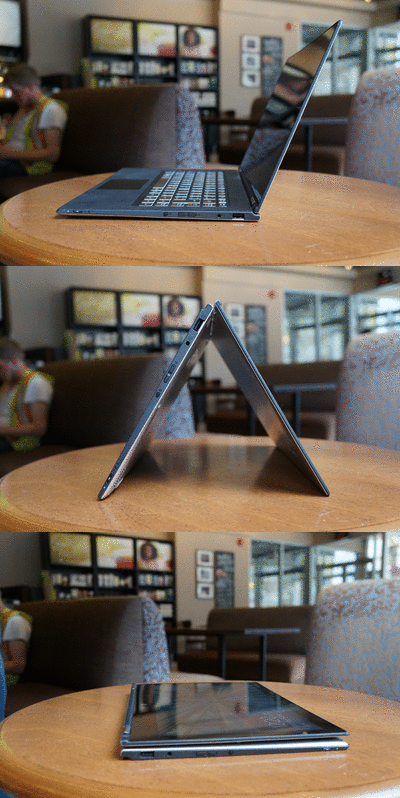
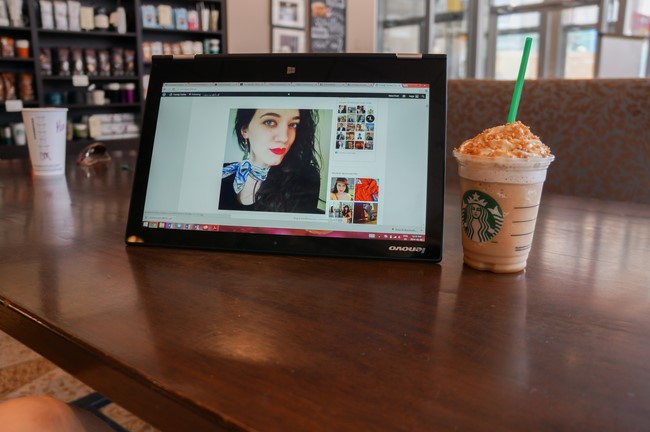
This laptop is by far the best machine I’ve ever had. With 8GB of RAM and a 3200×1800 pixel display, this 13.3 inch laptop packs a powerful punch into its 3.65-pound frame. The screen resolution is the most impressive feature - it’s so sharp you can see the curves in the tiniest of details, and its colours are so vibrant you can distinguish many variations of similar shades. This makes photo editing and gaming experiences so much better! The light weight of the Yoga makes it so easy to carry around, and its small size is perfect for traveling and coding or blogging on-the-go. But by far the most unique feature of the Lenovo Yoga is its versatility. The Yoga gets its name from the number of poses this laptop can do - the reinforced hinges bend 180 degrees to let you use the computer as a laptop, tablet, stand, or tent form!
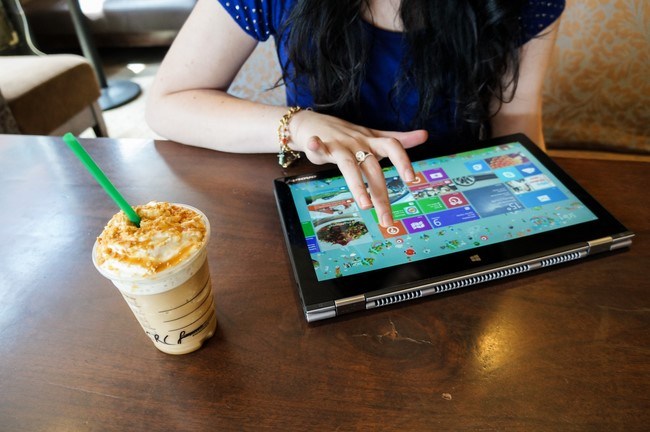
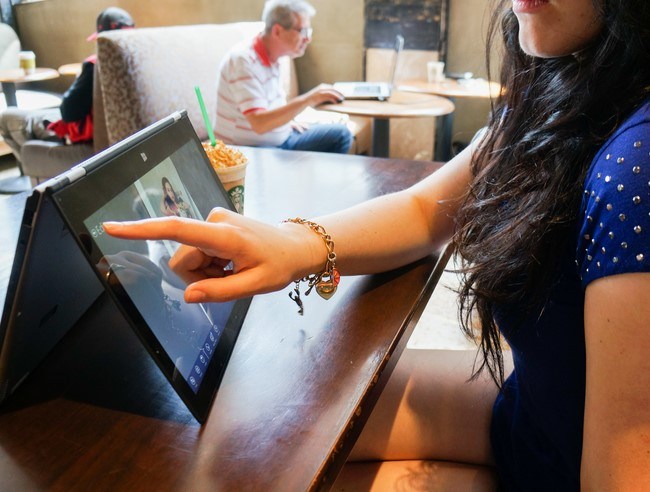
I do everything on my Yoga. From coding, to watching Netflix, to editing photos, this machine is perfect for every scenario. Tent and stand mode are perfect for displaying photos or playing music at a party, reading a recipe while cooking, and playing touch games downloaded from the Windows App Store. Tablet mode is awesome for touch games, browsing the web, editing photos, and reading. Laptop mode is good for, well, everything else!
Have you tried out touch screen laptops yet? What do you think? Let me know in the comments!
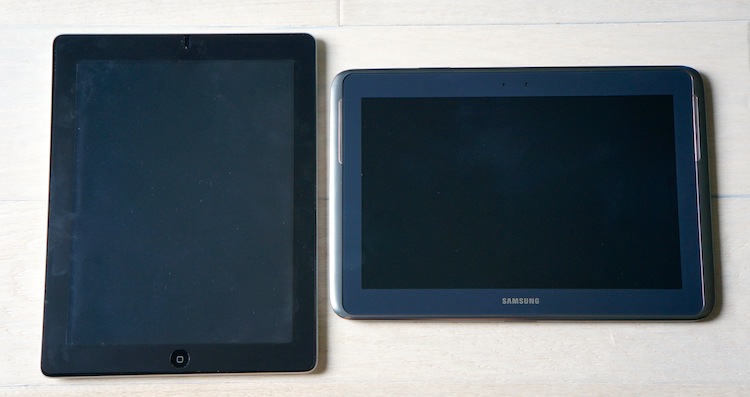
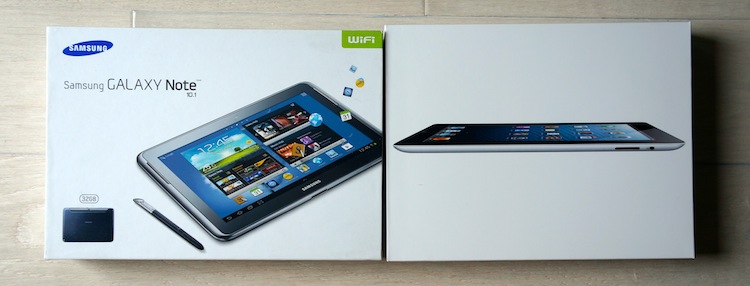
Ever since I first laid eyes on the original iPad, I wanted a tablet. At the time I still had a flip phone, so the prospect of having a portable device that was controlled by touch was still so new and exciting. Years went by and I went through two iPhones and a Nintendo DS, and touch screens lost their novelty but tablets still called my name. This past Christmas when my whole family got tablets, I got to choose between the iPad and the Note 10.1.
ROUND 1: THE SCREEN
Both tablets have good quality screens, brightness sensitivity and colour range, but there’s no denying that the iPad’s retina display is sharper. We’re at this age in technology where we aren’t fixing problems with new developments, we’re making improvements we didn’t know we needed. There was nothing wrong with regular resolution screens until retina came on the market, now nothing compares to it. Needless to say, the iPad won this round.
ROUND 2: NOTETAKING
This is simple: if you prefer typing, iPad is better; if you prefer handwriting, Note is better. The iPad doesn’t have a built-in handwriting app, whereas the Note has a really advanced, smooth-running one with a pen specifically for it. But I’m not a fan of the Note’s keyboard, which is small and takes a little longer to respond than the iPad’s does. This round is a toss-up, since both have their merits. As someone who sketches a lot though, I love the Note’s pen and handwriting capability.
ROUND 3: THE APPS
I’d say the downloadable app selection is pretty much equal. You can site numbers, saying the Apple app store has so many more apps, but that doesn’t necessarily mean that they’re all top quality, excellent apps. I just think the Apple app store has been around longer, so people have had more time to play around with it. The Note 10.1 has access to both the Android app store and Google Play, so there’s plenty of variety if you have a Google account.
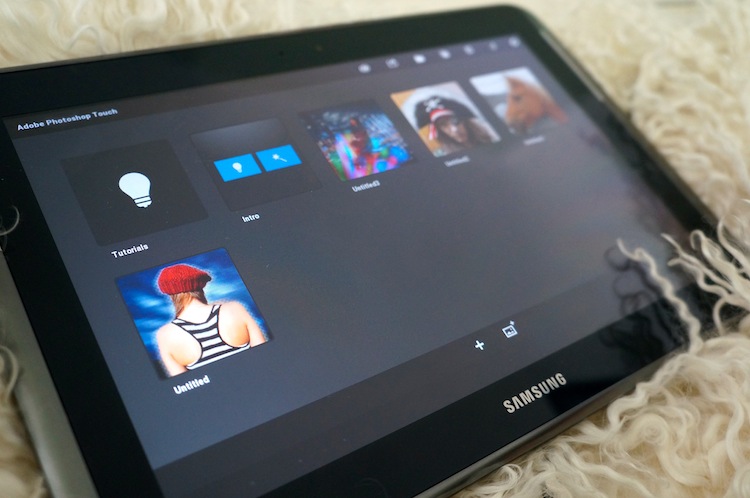
What really made a difference to me was the native apps that came out-of-the-box with the tablets. Both had the regular notetaker, weather, email, etc apps. But the Samsung had a couple extras including an awesome tablet version of Adobe Photoshop! The icon-based interface takes a little getting used to, but this Photoshop program is so much better than any of the free ones I saw on the Apple app store. It has all the functionality of desktop photoshop, bringing the photo editing experience right to your fingertips and making it much more hands-on than using a mouse.
It was a close round in the app stores, but the Note takes the round with its out-of-the-box Photoshop.
ROUND 4: PORTABILITY
Portability means two things to me: 1) how easy it is to physically carry around, and 2) how easy it is to load data back and forth from tablet to computer. I do a lot of photo editing, so it needs to be easy for me to transfer my photos onto my tablet, edit them, and transfer them back to my laptop.
Anyone who has had an Apple product knows that they’re very elitist. The cables are far from standard, even within the company - the latest products have different ports than the older ones, so you can’t borrow your dad’s old iPhone charger for your new iPad, and that is super inconvenient. On top of that, you have to sync with iTunes every time you want to change something. This didn’t seem so bad until I tried to load something onto the Note.
With the Android, all you have to do is plug it in and drag-and-drop. It’s so simple, doesn’t completely refresh everything every time, and takes a fraction of the time that it takes to sync an iPad. For someone who regularly moves one document at a time back and forth, this was a huge selling point for me. That’s why Samsung takes the fourth round and wins the battle.
FINAL VERDICT
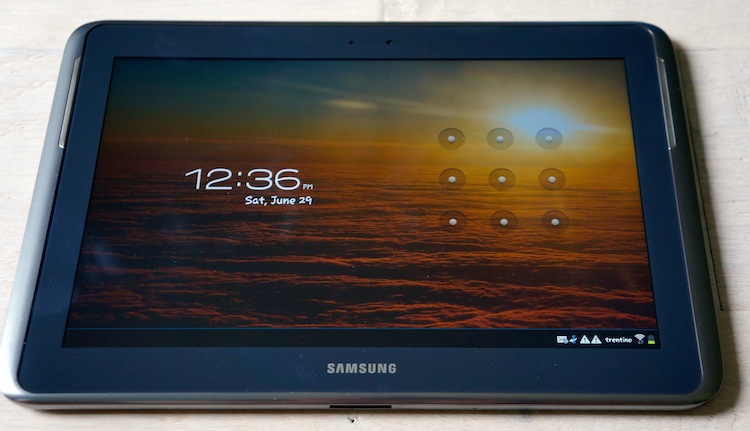
I ended up choosing the Samsung Galaxy Note 10.1. Overall it is more customizable and has a more personal feel. Once you play around with enough Apple products, they all start to feel the same (although I’m hoping this changes with the new iOS, keep your fingers crossed). Now, half a year later, I still use my Note every day at home and at work, and I do not regret my choice at all.
I usually make a point not to watch commercials, but every now and then one will catch my attention. This Windows 8 commercial made me laugh out loud when it compared the iPad with the Windows 8 Tablet, using Siri’s voice to compare functionality.
Haha I can’t stop chuckling. Stick it to ‘em, Microsoft! :P Did this commercial make you laugh too?